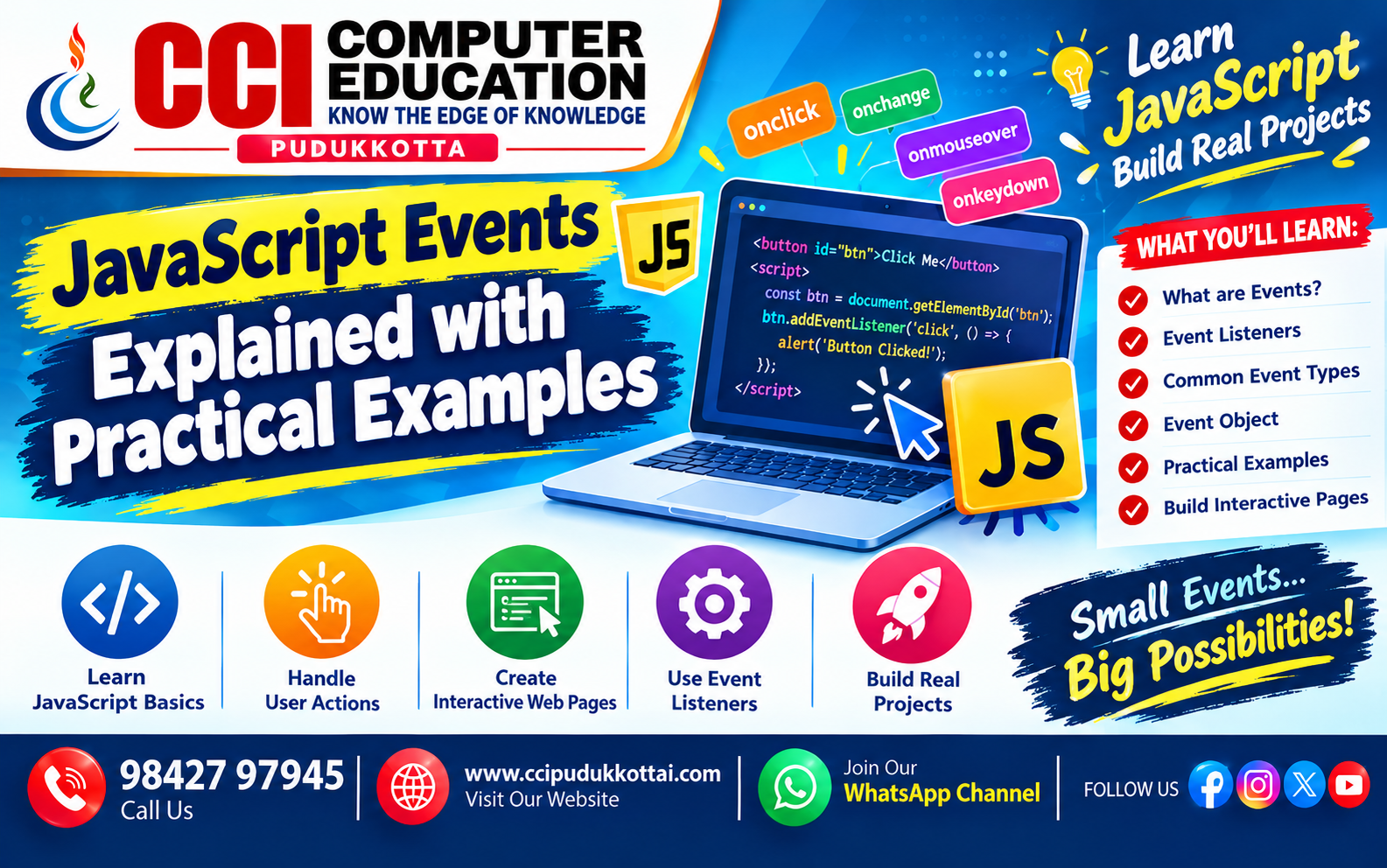
JavaScript Events Explained with Practical Examples
Published: 21 Oct, 2026 | Author: CCI Admin | Category: JavaScript / Web Development
JavaScript events make websites interactive and user-friendly. An event occurs when a user clicks a button, types into a text box, submits a form, or moves the mouse over an element.
At CCI Computer Education, Pudukkottai, students can learn JavaScript events through simple examples and hands-on practice.
1. What Are JavaScript Events?
A JavaScript event is an action or occurrence that the browser can detect and respond to.
- click: When a user clicks an element.
- input: When a user types or changes a field's value.
- change: When a form control's value changes.
- mouseover: When the mouse moves over an element.
- submit: When a form is submitted.
- keydown: When a keyboard key is pressed.
2. Click Event Example
The click event is commonly used for buttons, menus, and interactive controls.
<button id="myButton">Click Me</button>
<p id="message"></p>

<script>
document.getElementById("myButton")
.addEventListener("click", function() {
    document.getElementById("message").textContent =
        "Welcome to CCI Computer Education!";
});
</script>
Output: When the user clicks the button, a welcome message appears.
3. Input Event Example
The input event helps display information while a user types.
<input type="text" id="username"
placeholder="Enter your name">

<p id="output"></p>

<script>
document.getElementById("username")
.addEventListener("input", function() {
    document.getElementById("output").textContent =
        "Hello, " + this.value;
});
</script>
Practical use: Live search, instant previews, and interactive forms.
4. Mouseover Event Example
The mouseover event runs when the mouse pointer moves onto an element.
<p id="demo">Move your mouse here</p>

<script>
const demo = document.getElementById("demo");

demo.addEventListener("mouseover", function() {
    demo.style.color = "blue";
});
</script>
Output: The paragraph text turns blue when the mouse moves over it.
5. Form Submit Event Example
The submit event is useful for checking form data before sending it to a server.
<form id="myForm">
    <input type="text" id="name"
    placeholder="Enter your name" required>
    <button type="submit">Submit</button>
</form>

<p id="result"></p>

<script>
document.getElementById("myForm")
.addEventListener("submit", function(event) {
    event.preventDefault();

    const name = document.getElementById("name").value;
    document.getElementById("result").textContent =
        "Form submitted successfully, " + name + "!";
});
</script>
Note: The preventDefault() method prevents the browser's default form submission. This example displays a message but does not send the data to a server.
6. Common JavaScript Events
| Event | Purpose | Example Use |
|---|---|---|
| click | Responds to a click | Button action |
| input | Responds to value changes while typing | Live search |
| change | Responds to a changed form value | Dropdown selection |
| mouseover | Responds when the pointer enters an element | Highlight text |
| keydown | Responds to a key press | Keyboard shortcuts |
| submit | Responds to form submission | Form validation |
7. Why Are JavaScript Events Important?
- They make websites interactive.
- They help validate user input.
- They improve user experience.
- They support dynamic content updates.
- They are essential for web applications, forms, and interactive dashboards.
8. Frequently Asked Questions (FAQs)
What is a JavaScript event?
A JavaScript event is an action, such as clicking a button or typing in a field, that JavaScript can detect and handle.
What is addEventListener()?
addEventListener() attaches an event handler to an element without assigning the handler directly to an HTML event attribute.
What is the difference between click and submit events?
The click event responds to a click on an element. The submit event responds when a form is submitted, including when submission is triggered through certain keyboard actions.
Can beginners learn JavaScript events easily?
Yes. Beginners can start with click and input events, then practise form submission and other interactive features.
Related CCI Blogs
- The Future of AI and Machine Learning
- JavaScript Operators Explained with Examples
- JavaScript DOM Manipulation for Beginners
- HTML Basics – Learn the Fundamentals of Web Development
- CSS Introduction – Style Your Web Pages
Conclusion
JavaScript events are a fundamental part of modern web development. By practising click, input, mouseover, and submit events, beginners can build interactive and responsive web pages. Start with small examples and gradually create your own projects.
Learn Web Development at CCI Computer Education – Pudukkottai
Want to build modern websites? Join CCI Computer Education, Pudukkottai, and learn web development through practical examples and projects.
Call: 98427 97945 | Website: www.ccipudukkottai.com
WhatsApp Channel: Follow CCI Computer Education
CCI Computer Education – Learn Today, Build Tomorrow.