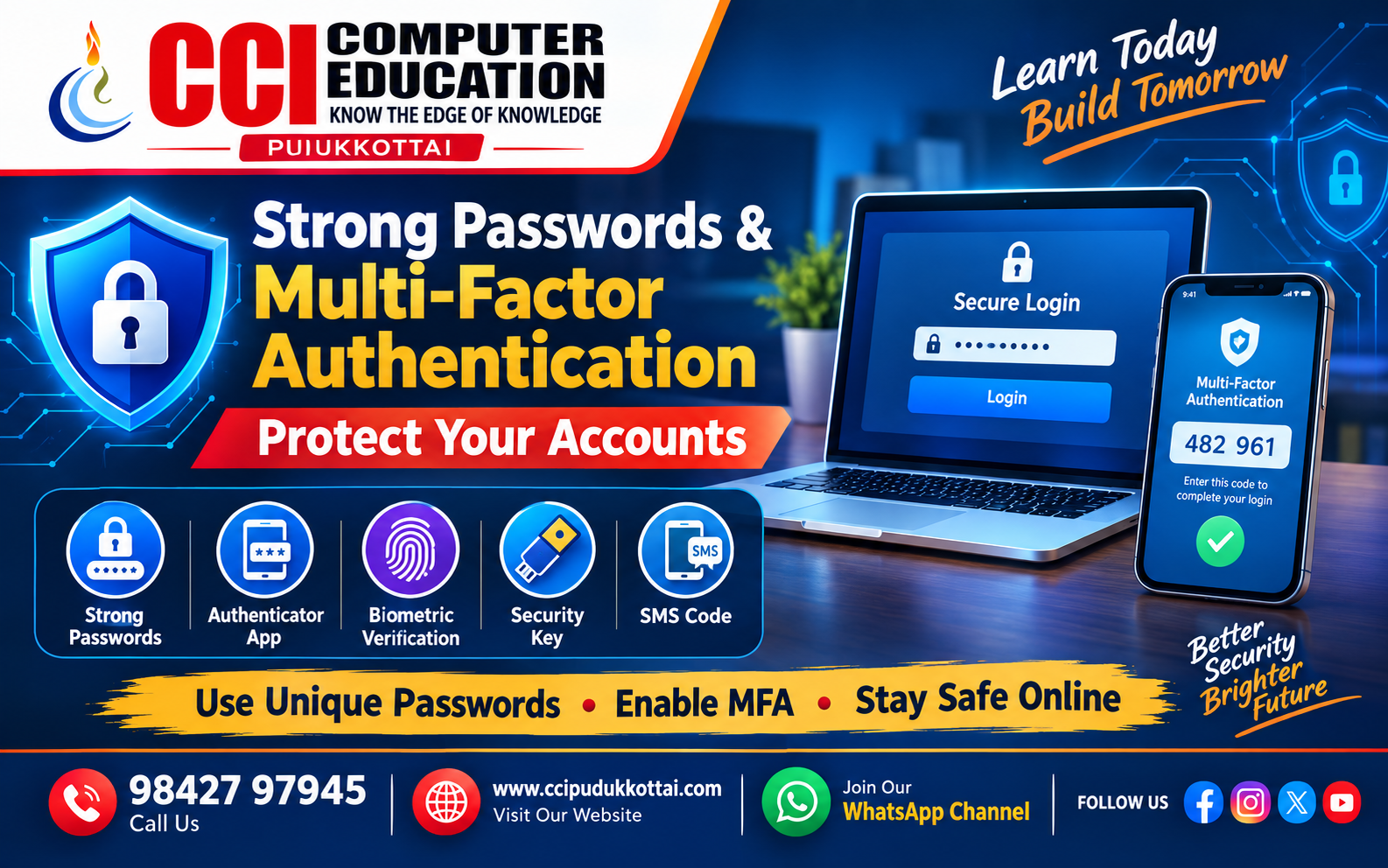
Strong Passwords and Multi-Factor Authentication – Simple Ways to Protect Your Accounts
Published: 03 Oct, 2026 | Author: CCI Admin | Category: Cyber Security
In today's digital world, we use online accounts for email, banking, social media, education, shopping, and many other services. Protecting these accounts is an important part of Cyber Security.
Two simple security practices can make a big difference: using strong passwords and enabling Multi-Factor Authentication (MFA).
What is a Strong Password?
A strong password is difficult for other people and automated guessing tools to predict. It should not contain simple information such as your name, phone number, date of birth, or common words.
A good password should generally:
- Be long and difficult to guess.
- Use a combination of different character types when appropriate.
- Avoid easily available personal information.
- Be different for different important accounts.
- Not be shared with other people.
Why Should You Avoid Reusing Passwords?
Using the same password for multiple websites creates additional risk. If one account is compromised, an attacker may try the same password on other services.
For example, using the same password for your email, social media, and shopping accounts means one exposed password could potentially put several accounts at risk.
What is Multi-Factor Authentication?
Multi-Factor Authentication, commonly called MFA, adds an additional verification step when signing in to an account.
Instead of depending only on a password, MFA asks for another form of verification. This makes account protection stronger because knowing the password alone may not be enough to complete the login.
Common MFA Methods
| MFA Method | Example |
|---|---|
| Authenticator App | A verification code generated by an authentication app |
| Security Key | A physical security key used during login |
| Biometric Verification | Fingerprint or face recognition |
| Email or SMS Code | A temporary verification code sent to a registered contact method |
How Password + MFA Protects an Account
Consider a student logging into an important online account:
- The student enters the username or email.
- The student enters the password.
- The service requests an additional verification factor.
- The student completes the verification.
- Access is granted if the required checks are successful.
Strong Password Example
Avoid simple passwords such as:
password123
student123
welcome123
yourname@123
Instead, create a long, unique password or passphrase that is difficult to guess and do not reuse it across important accounts.
Password Managers
Remembering a unique password for every account can be difficult. A password manager can help users securely store and manage passwords.
A password manager can also help generate unique passwords, reducing the need to reuse simple passwords across multiple websites.
Common Password Security Mistakes
- Using very short passwords.
- Using the same password everywhere.
- Sharing passwords with friends or colleagues.
- Using personal information in passwords.
- Writing passwords in easily accessible places.
- Ignoring MFA when an important account supports it.
- Entering passwords or verification codes into suspicious websites.
Real-World Example
Imagine that a student's social media password becomes known to someone else. If the account uses only a password, the person may be able to sign in.
If MFA is enabled, an additional verification step may be required. This provides another security layer beyond the password.
Faculty Tip
For students: Start with your most important accounts such as email and other services containing personal information. Use unique passwords and enable MFA wherever it is available.
Quick Cyber Security Checklist
- Use long, unique passwords.
- Avoid password reuse.
- Enable MFA on important accounts.
- Never share passwords or verification codes.
- Be careful with suspicious login pages and links.
- Consider using a trusted password manager.
Practice Task for Students
Check three of your online accounts and answer these questions:
- Do you use a unique password for each account?
- Is MFA available?
- Is MFA enabled?
- Are you using any easily guessable personal information?
Frequently Asked Questions
1. Is a long password better?
Password length is an important part of password strength. Long, unique passwords or passphrases are generally harder to guess than short, predictable passwords.
2. What does MFA mean?
MFA stands for Multi-Factor Authentication. It adds additional verification to the login process instead of relying only on a password.
3. Is MFA useful if I already have a strong password?
Yes. A strong password and MFA provide different layers of account protection. MFA can provide an additional barrier if a password is exposed.
4. Should I use the same password for all websites?
No. Reusing passwords can increase the impact of a compromised account. Use unique passwords for important services.
Conclusion
Strong passwords and Multi-Factor Authentication are two important parts of everyday Cyber Security. A unique and difficult-to-guess password helps protect an account, while MFA adds another verification layer during login.
Building these simple security habits can help students, professionals, and everyday internet users protect their digital accounts more effectively.
What to Learn Next?
After learning about passwords and MFA, students can explore:
- Phishing and Social Engineering
- Cyber Security Threats
- Safe Internet Browsing
- Data Privacy and Online Safety
- Network Security Basics
Related CCI Blogs
- Tips to Stay Safe Online – Essential Cyber Security Tips for Everyone
- CSS Selectors Explained for Beginners – How to Select and Style HTML Elements
- HTML Semantic Elements – Build Meaningful and SEO-Friendly Web Pages
Contact CCI Computer Education – Pudukkottai
Want to learn Cyber Security, Programming, Web Development, and other computer technologies?
Call: 98427 97945 | Website: ccipudukkottai.com | WhatsApp Channel: Join Now
Share: Facebook | WhatsApp | Twitter