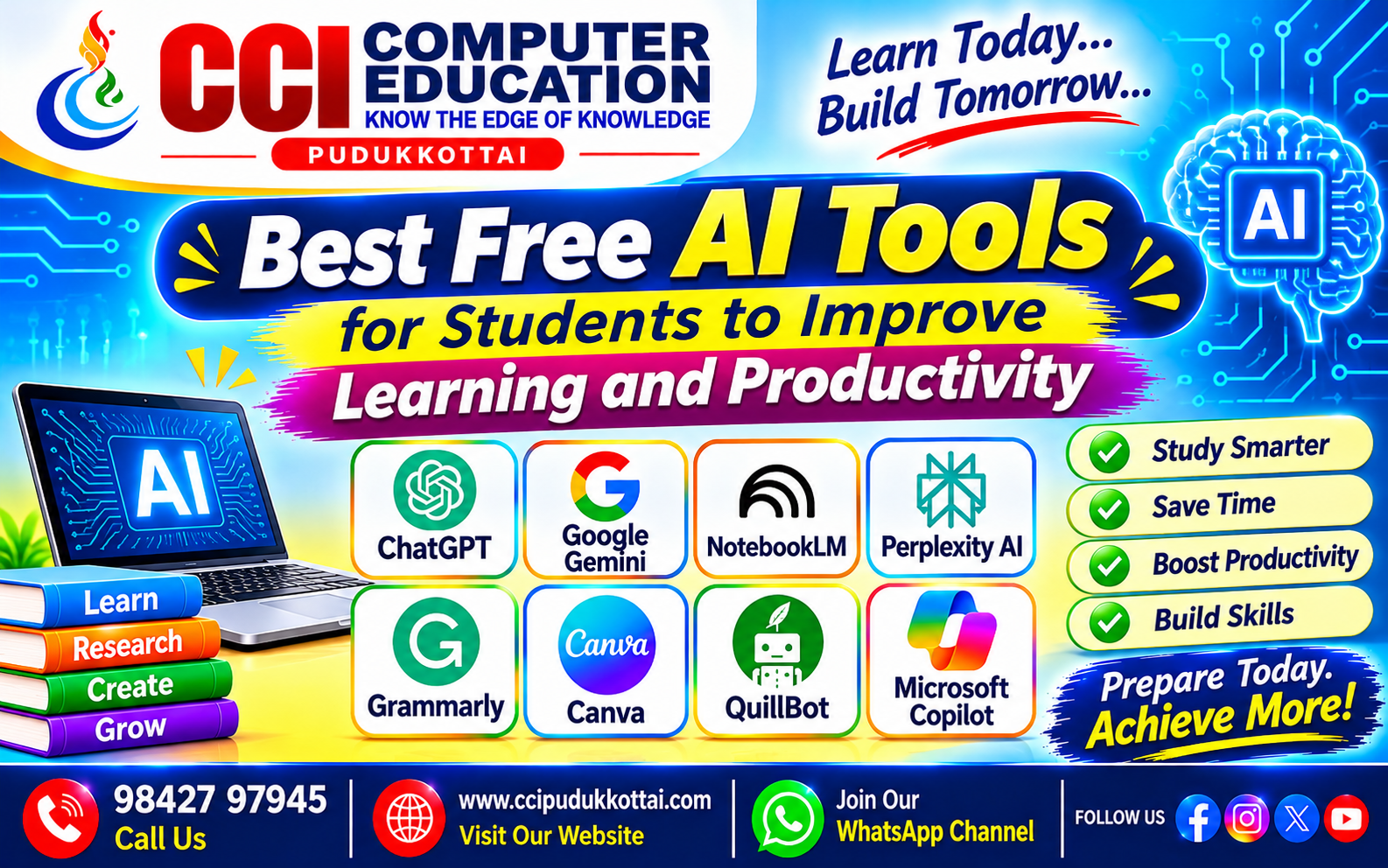
Best Free AI Tools for Students to Improve Learning and Productivity
Published: 12 November 2026 | Author: CCI Admin | Category: AI Tools
Artificial Intelligence (AI) is transforming the way students learn, study, and complete their academic activities. Today, students can use AI tools to understand difficult subjects, prepare notes, create presentations, improve writing, and learn programming.
Many AI tools provide free plans that allow students to explore artificial intelligence without spending money. In this blog, we will discover the Best Free AI Tools for Students and understand how they can improve learning and productivity.
1. What Are AI Tools?
AI tools are software applications that use Artificial Intelligence to perform tasks such as answering questions, generating content, analyzing information, creating images, and solving problems.
Students can use AI tools as digital learning assistants to improve their knowledge, save time, and develop new skills.
2. Top 8 Free AI Tools for Students
1. ChatGPT – AI Learning Assistant
ChatGPT is an AI-powered assistant that helps students understand concepts, practise programming, generate ideas, and improve their writing.
Uses for students:
- Understand difficult subjects with simple explanations.
- Learn Python, Java, C, and other programming languages.
- Prepare study notes and practice questions.
- Improve English communication and writing.
Website: https://chatgpt.com/
2. Google Gemini – AI Research and Learning
Google Gemini is an AI assistant that helps students explore topics, generate ideas, understand concepts, and work with information.
Uses for students:
- Get explanations for academic topics.
- Generate ideas for assignments and projects.
- Summarize information.
- Practise questions for examinations.
Website: https://gemini.google.com/
3. Google NotebookLM – Smart Study Notes
NotebookLM is an AI-powered research and note-taking assistant. Students can use their own uploaded study materials and documents to understand information and prepare learning resources.
Uses for students:
- Summarize study materials and documents.
- Understand information from uploaded notes.
- Generate study guides and questions.
- Organize research materials.
Website: https://notebooklm.google.com/
4. Perplexity AI – AI Research Assistant
Perplexity AI is an AI-powered search and research tool that helps students find information from different online sources.
Uses for students:
- Research academic topics.
- Find information with source references.
- Explore new technologies.
- Collect information for assignments.
Website: https://www.perplexity.ai/
5. Grammarly – AI Writing Assistant
Grammarly helps students improve their English writing by identifying grammar, spelling, and punctuation mistakes.
Uses for students:
- Correct grammar and spelling errors.
- Improve sentence clarity.
- Write professional emails.
- Improve academic writing.
Website: https://www.grammarly.com/
6. Canva – AI Presentation and Design Tool
Canva is a popular online design platform that helps students create attractive presentations, posters, infographics, and educational materials. It also provides selected AI features with limited free usage.
Uses for students:
- Create project presentations.
- Design educational posters.
- Prepare resumes and project reports.
- Create visual learning materials.
Website: https://www.canva.com/
7. QuillBot – AI Writing and Paraphrasing Tool
QuillBot is an AI-powered writing assistant that helps students rewrite sentences, summarize content, and improve the clarity of their writing.
Uses for students:
- Rewrite sentences in a clearer way.
- Summarize lengthy content.
- Improve vocabulary and sentence structure.
- Organize written assignments.
Website: https://quillbot.com/
8. Microsoft Copilot – AI Productivity Assistant
Microsoft Copilot is an AI assistant that helps students explore information, generate ideas, summarize content, and improve productivity.
Uses for students:
- Get help with academic questions.
- Generate ideas for projects.
- Prepare content for presentations.
- Improve everyday productivity.
Website: https://copilot.microsoft.com/
3. Comparison of the Best Free AI Tools
The following table compares the main purposes of these AI tools and their usefulness for students.
| AI Tool | Main Purpose | Free Access |
|---|---|---|
| ChatGPT | Learning and coding | Yes, with limits |
| Google Gemini | Research and explanations | Yes, with limits |
| NotebookLM | Study notes and research | Yes, with limits |
| Perplexity AI | Online research | Yes, with limits |
| Grammarly | Grammar correction | Yes, basic features |
| Canva | Design and presentations | Yes, with limits |
| QuillBot | Writing and summarizing | Yes, limited features |
| Microsoft Copilot | Productivity and research | Yes, with limits |
Note: Free plans, usage limits, and available features may change. Some advanced features require a paid subscription or student eligibility.
4. How Can Students Use AI Tools in Daily Learning?
Students can combine different AI tools to improve their daily learning activities.
Example: Preparing for an Examination
- Step 1: Use ChatGPT or Gemini to understand difficult topics.
- Step 2: Upload study materials to NotebookLM and prepare revision notes.
- Step 3: Use Perplexity to research additional information and sources.
- Step 4: Use Grammarly to check grammar in your written answers.
- Step 5: Create revision presentations using Canva.
By combining these tools, students can organize their learning activities and prepare more effectively.
5. Practical Examples of AI Prompts for Students
A prompt is an instruction or question given to an AI tool to get a useful response. Writing clear prompts helps students get better results.
Example 1: Learn Programming
Explain Python loops with simple examples
and give me five practice questions.
Example 2: Prepare Study Notes
Explain the database management system
in simple English with important points.
Example 3: Prepare for Interviews
Give me 10 basic Java interview questions
with answers for freshers.
Example 4: Improve English
Help me improve my English communication.
Give me five daily speaking practice sentences.
6. Advantages of Using AI Tools for Students
- Save Time: AI tools help students organize information and complete learning tasks efficiently.
- Better Understanding: Difficult concepts can be explained in simple language.
- Improve Creativity: Students can generate ideas for presentations and projects.
- Develop Technical Skills: AI tools can support coding practice and programming learning.
- Improve Productivity: Students can plan study schedules and organize assignments.
- Self-Learning: Students can explore new subjects and practise independently.
7. Important Things to Remember While Using AI
AI tools are useful learning assistants, but students should use them responsibly.
- Do not blindly trust every AI-generated answer.
- Verify important facts using reliable sources.
- Do not copy AI-generated assignments without understanding them.
- Protect personal information and passwords.
- Follow your institution's academic integrity rules.
- Use AI to improve your knowledge, not replace your thinking.
8. Frequently Asked Questions (FAQ)
1. What are the best free AI tools for students?
ChatGPT, Google Gemini, NotebookLM, Perplexity, Grammarly, Canva, QuillBot, and Microsoft Copilot offer free access or free plans with different features and usage limits.
2. Can students use AI tools for free?
Yes. Many AI platforms offer free plans. However, some advanced features and higher usage limits may require paid subscriptions.
3. Which AI tool is best for learning programming?
ChatGPT and Google Gemini are useful for understanding programming concepts, generating coding examples, and practising programming problems.
4. Which AI tool is useful for creating presentations?
Canva is a useful platform for creating presentations, posters, and educational designs. Some AI features have limited free usage.
5. Can AI tools improve students' productivity?
Yes. AI tools can help students organize notes, understand topics, prepare study materials, research information, and manage learning activities.
6. Will AI replace teachers?
AI can support learning, but teachers play an important role in guiding students, explaining concepts, developing critical thinking, and providing personal support.
9. Practice Activities for Students
Try these simple activities to understand how AI tools can support your learning.
- Use ChatGPT to learn five basic Python programming concepts.
- Use Gemini to prepare a short explanation about Artificial Intelligence.
- Upload your study notes to NotebookLM and prepare a summary.
- Use Perplexity to research the latest developments in technology.
- Create a five-slide educational presentation using Canva.
- Use Grammarly to check a short English paragraph.
Conclusion
Artificial Intelligence is creating new opportunities for students to learn smarter and improve their productivity. Free AI tools such as ChatGPT, Gemini, NotebookLM, Perplexity, Grammarly, and Canva can support different learning activities.
Students should explore these tools, practise using effective prompts, verify the information they receive, and develop their own problem-solving skills.
Start exploring AI today, improve your knowledge, and prepare yourself for the technology-driven future!
What to Learn Next?
- Introduction to Artificial Intelligence
- How to Write Effective AI Prompts
- AI vs Machine Learning vs Deep Learning
- How to Use AI for Programming
- Future Career Opportunities in Artificial Intelligence
Related CCI Blogs
- The Future of AI and Machine Learning
- Introduction to Generative AI – How AI Creates Text, Images, Code and More
Learn AI and Computer Technology with CCI Computer Education
Want to learn Artificial Intelligence, programming, and modern computer technologies? CCI Computer Education – Pudukkottai helps students develop practical technical knowledge and prepare for future career opportunities.
Explore Python, Java, Web Development, AI, Machine Learning, SQL, and other career-oriented courses through practical learning and project-based training.
Explore CCI Computer Education Courses
Contact CCI Computer Education – Pudukkottai
Interested in learning AI and other computer technologies? Contact CCI Computer Education for course details and upcoming batches.
Call: 98427 97945 | Website: www.ccipudukkottai.com
WhatsApp Channel: Join CCI WhatsApp Channel
CCI Computer Education – Learn Today, Build Tomorrow.