Python Variables and Data Types – Learn the Basics with Simple Examples
Published: 21 Aug, 2026 | Author: CCI Admin | Category: Python
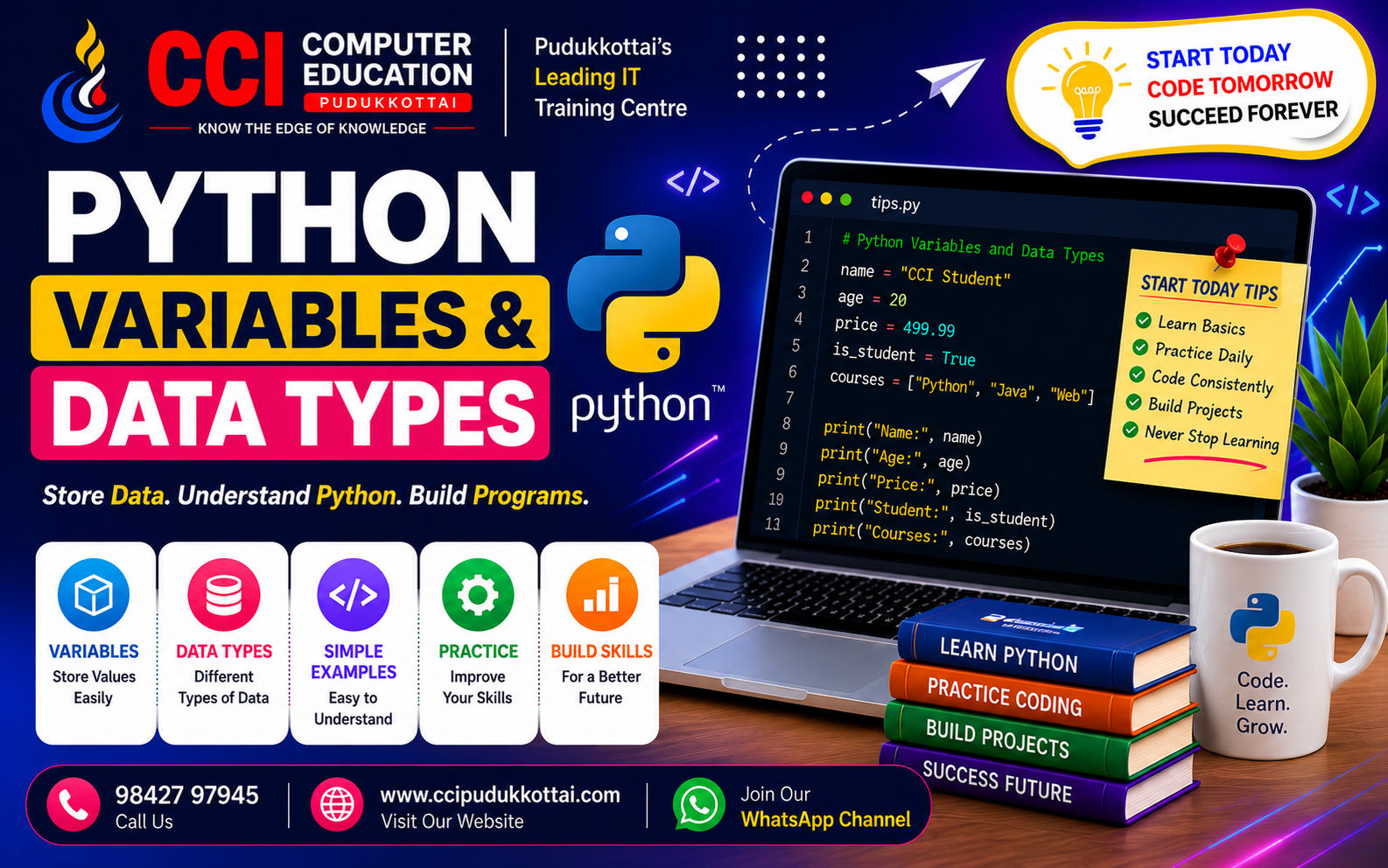
Variables and data types are fundamental concepts in Python programming. Before creating larger Python programs, beginners should understand how Python stores and works with different types of data.
What is a Variable in Python?
A variable is a name used to store a value. In Python, you do not need to declare the data type separately. Python automatically identifies the type of value assigned to the variable.
name = "CCI Student"
age = 20
marks = 85.5
Here, name, age, and marks are variables containing different types of values.
Common Python Data Types
Python provides several built-in data types for storing different kinds of information.
- int – Whole numbers
- float – Decimal numbers
- str – Text or characters
- bool – True or False values
- list – Ordered collection of values
- tuple – Ordered, unchangeable collection
- set – Collection of unique values
- dict – Data stored as key-value pairs
1. Integer (int)
The int data type is used for whole numbers.
age = 20
students = 50

print(age)
print(students)
2. Float (float)
The float data type is used for numbers containing decimal values.
price = 499.99
percentage = 85.5

print(price)
print(percentage)
3. String (str)
A string is used to store text.
name = "CCI Computer Education"
course = "Python"

print(name)
print(course)
4. Boolean (bool)
A Boolean value can be either True or False.
is_student = True
is_completed = False

print(is_student)
print(is_completed)
5. List
A list can store multiple values in a single variable.
courses = ["Python", "Java", "C++", "Web Development"]

print(courses)
6. Tuple
A tuple is another collection type that can store multiple values.
days = ("Monday", "Tuesday", "Wednesday")

print(days)
7. Set
A set stores a collection of unique values.
numbers = {10, 20, 30, 10}

print(numbers)
8. Dictionary
A dictionary stores information using key-value pairs.
student = {
    "name": "Arun",
    "age": 20,
    "course": "Python"
}

print(student)
Checking the Data Type
Python provides the type() function to identify the data type of a value.
age = 20
name = "Arun"
marks = 85.5

print(type(age))
print(type(name))
print(type(marks))
Simple Real-World Example
student_name = "Rahul"
student_age = 21
student_mark = 88.5
is_passed = True

print("Name:", student_name)
print("Age:", student_age)
print("Mark:", student_mark)
print("Passed:", is_passed)
This simple example shows how different types of information can be stored using Python variables.
Why Learn Variables and Data Types?
- They are the foundation of Python programming.
- They help store and organize information.
- They are required for calculations and program logic.
- They help beginners understand how Python handles data.
- They are used in almost every Python project.
Tips for Python Beginners
- Use meaningful variable names.
- Practice different data types with small programs.
- Use the type() function to check data types.
- Try changing values and observe the output.
- Build small real-world programs for practice.
Learn Python Through Practical Training
At CCI Computer Education, Pudukkottai, students can learn Python programming through simple explanations, coding exercises, and practical projects.
Beginners can start with Python fundamentals and gradually move toward functions, OOP, modules, database connectivity, web development, and real-world projects.
Conclusion
Variables and data types are the building blocks of Python programming. Once you understand how to store different types of values, you can start creating more useful and powerful Python programs.
Start with simple examples, practice regularly, and gradually move to advanced Python concepts.
What's Next?
In our next Python tutorial, we will explore Python Operators and learn how to perform calculations, comparisons, and logical operations.
Call: 98427 97945 | Website: ccipudukkottai.com | WhatsApp Channel: Join Now
Share: Facebook | WhatsApp | Twitter